
Creators
12 transition video ideas for Reels and TikTok
Transition ideas that work on a phone: outfit, room, glow-up, product and travel transitions, with the motion that hides each cut.
By Ahmet KütükUpdated 6 min read
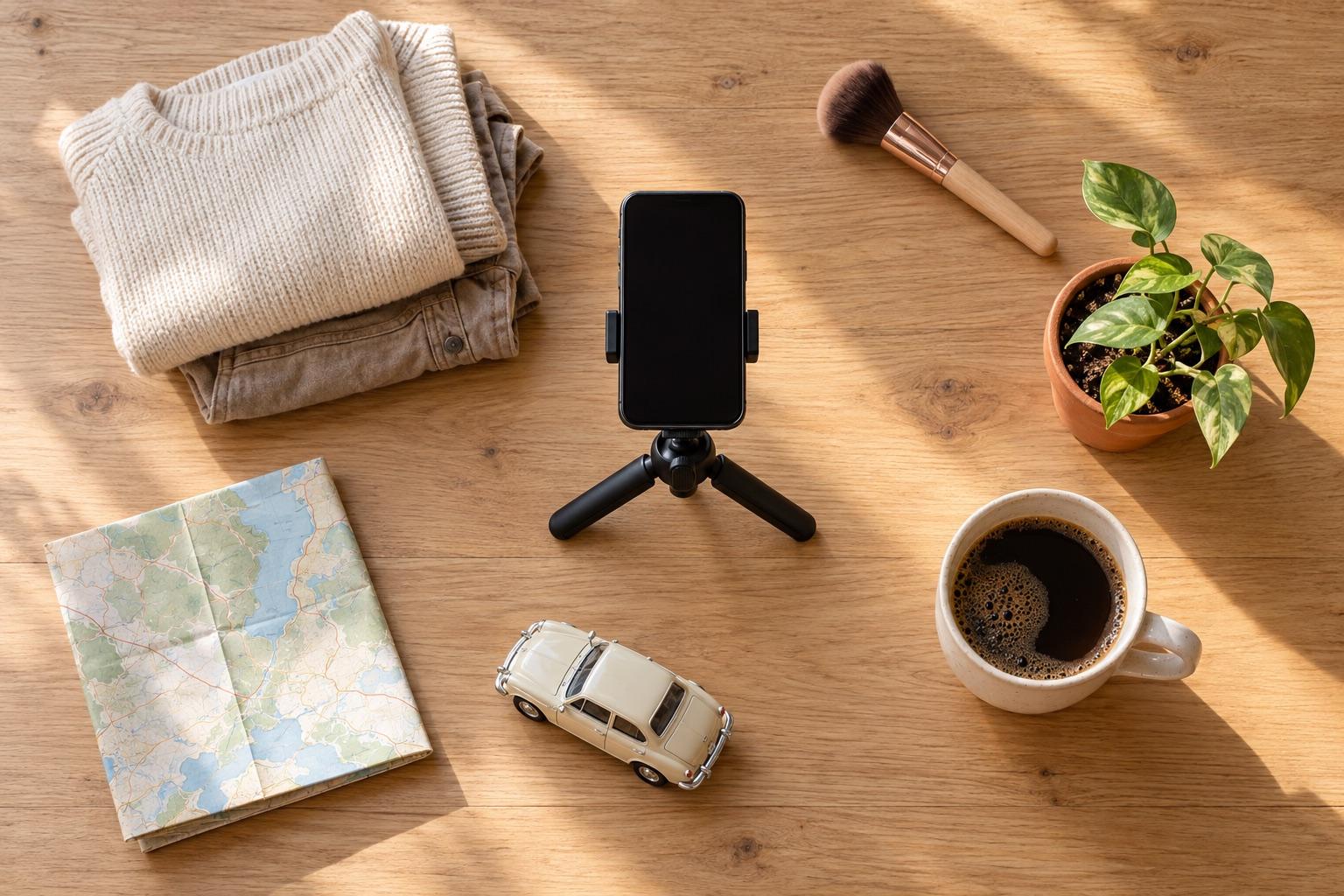
The transition videos that work best on a phone change one thing while everything else stays put: an outfit, a room, a look or a product. Pick a change, fix the camera position, and hide the cut inside a movement. Twelve ideas follow, each with the move that sells it.
A transition works when the viewer can see that only one thing changed. That's why the best ideas share a structure: fixed camera, same framing, one visible difference, and a motion that hides the moment of the cut.
12 transition ideas
1. Outfit change
The classic. End the first clip mid-spin or mid-jump and start the second from the same pose. Full walkthrough: how to film outfit transitions.
2. Day to night
Same spot, same pose, morning and evening. Shoot both from the same position so the window and furniture line up; the change of light is the story.
3. Room reveal
Messy to tidy, empty to furnished, before to after a renovation. Stand in the doorway, record a slow pan, then repeat the same pan after the makeover. See the room makeover checklist.
4. Makeup look
Bare face to finished look. Cover the lens with a makeup brush or your hand and cut while it's dark.
5. Hair change
Before and after a cut or color. A hair flip or turning your head away hides the cut well.
6. Workout progress
Week 1 and week 12, same pose, same spot. A snap or clap gives a sharp cut. For the photo version, see how to take progress photos.
7. Product unboxing to in use
The box on the table, then the product set up in exactly the same place.
8. Season change
The same view from a window or a street corner in summer and winter. Long gaps make alignment hard without a reference, so save the first clip in a project.
9. Plant growth
A seedling and the grown plant in the same pot and spot. Weekly clips merged into one make a simple time-lapse.
10. Desk or setup upgrade
The old setup and the new one, filmed with the same camera movement.
11. Food: ingredients to dish
Raw ingredients on the board, then the finished plate in the same position.
12. Then and now
Recreate an old photo of yourself, a friend or a place. Import the old photo as a reference and match it on the camera.
The one thing every idea needs
Matching framing. If the camera moves between the two clips, the cut reads as a mistake instead of a transformation. Three ways to keep it:
- Don't move the phone. Works if both clips happen in one session.
- Mark the floor and the stand. Helps across sessions, but angle and height still drift.
- Use a ghost overlay. The previous clip sits on the camera as a see-through layer, so you can put the phone back exactly. This is what MatchFrame's video transitions are built for, including clips filmed days or months apart.
Take your reference shot today.
Free on iPhone and Android. No account needed.
Moves that hide the cut
- Jump: cut at the top.
- Spin: cut when your back is to the camera.
- Cover the lens: cut while the screen is dark.
- Whip pan: swing the phone fast; cut during the blur.
- Walk out, walk in: leave the frame and come back changed.
Format and length
Film vertical (9:16) for Reels, TikTok and Shorts. Keep each side of the transition to two or three seconds. If the change is subtle, a side-by-side or slider image may show it better than a video; see which before and after format works best.