
Creators
What is a match cut? Meaning, examples and how to film one
A match cut joins two shots through a shared shape, movement or framing. Here's what that means, famous examples, and how to film one on your phone.
By Ahmet KütükUpdated 4 min read
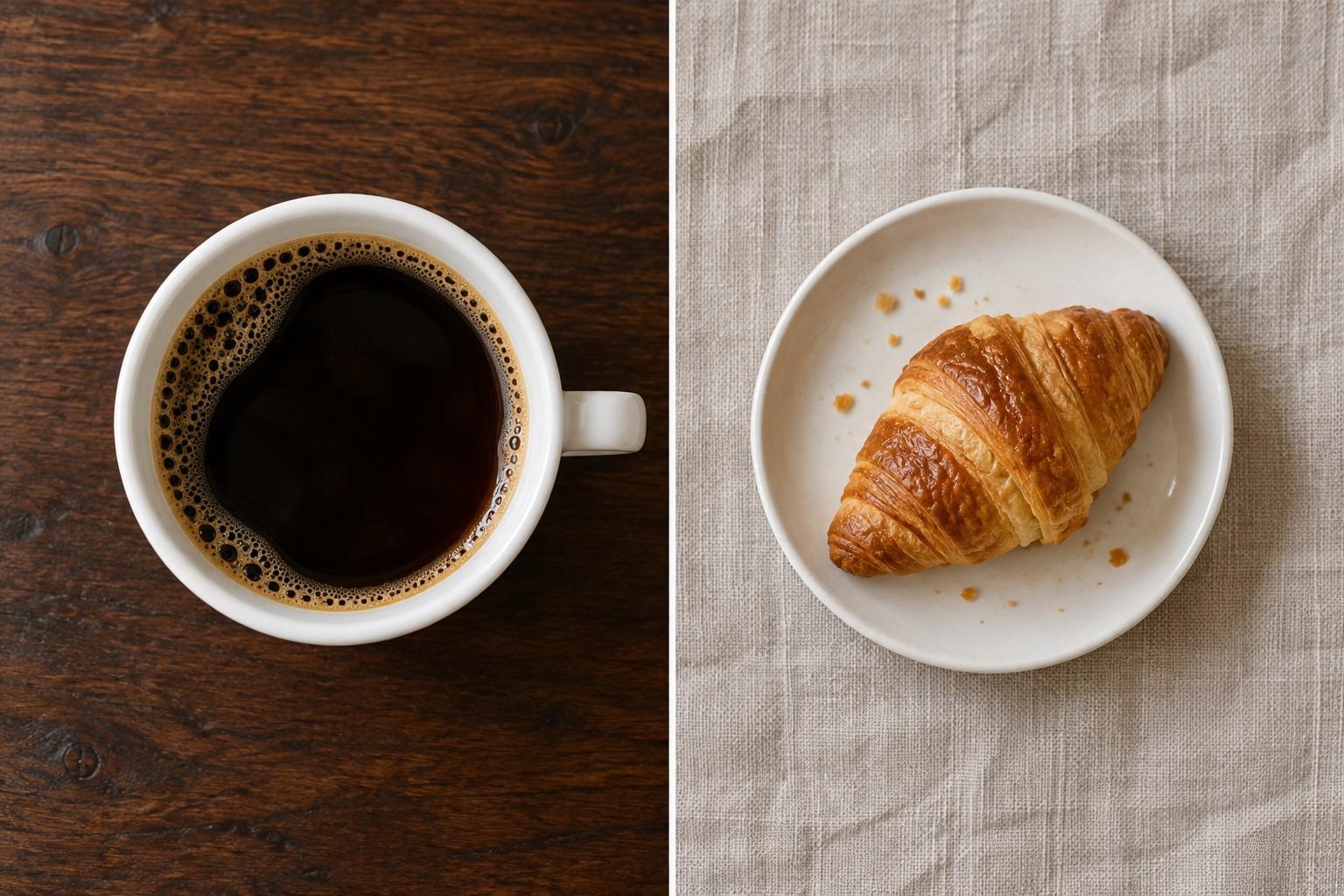
A match cut is an edit that joins two different shots through something they share: a shape, a movement, a position in the frame or a sound. Because the matching element carries over, the cut feels continuous even though time, place or subject changes. On a phone, you film one by keeping the matching element in the same place in both shots.
Match cuts are one of the oldest tricks in film editing, and the idea behind most transition videos on TikTok and Reels. Once you see how they work, they're easy to film yourself.
What makes it a “match”?
The two shots share something the eye can follow across the cut:
| Type | What matches | Example |
|---|---|---|
| Graphic match | Shape or composition | A round clock face cuts to a round moon in the same spot |
| Match on action | A movement continues | A ball thrown in one shot is caught in another place |
| Position match | The subject's place in the frame | The same person, same pose, in a different outfit |
| Sound match | A sound bridges the cut | A clap becomes a door slam |
Famous examples
- 2001: A Space Odyssey (1968). A bone thrown into the air cuts to a spacecraft in orbit: a jump of thousands of years carried by a shape and a movement.
- Lawrence of Arabia (1962). A match being blown out cuts to the sun rising over the desert.
- Psycho (1960). The water spiralling down a drain cuts to a close-up of an eye.
Each one works because the second shot puts its matching element where the first left it.
Match cut vs jump cut
A jump cut removes time from one continuous shot, so the subject seems to jump, and the effect is deliberately abrupt. A match cut connects two different shots and hides the join through a shared element. One draws attention to the cut; the other makes it feel smooth or meaningful.
How to film a match cut on your phone
- Choose the matching element. Your body position, an object's shape or a movement.
- Fix its position in the frame. Shoot both clips with the phone in the same place, the same lens and the same height.
- End and start on the match. The last frame of clip one and the first frame of clip two should have the element in the same spot.
- Cut on the movement if there is one: the middle of a spin, a throw or a swipe.
The hard part is step 2 when the two shots are filmed at different times or places. A ghost overlay shows the last frame of the first clip on the camera as a see-through layer, so you can line up the second shot to it. That's what MatchFrame's video transitions do, and how most outfit and room transitions are filmed.
Take your reference shot today.
Free on iPhone and Android. No account needed.
Match cut ideas to try
- A coffee cup from above cuts to a round plate in the same spot.
- You turning your head in one room, finishing the turn in another.
- A door closing in winter, opening in summer.
- A product held up to the camera, then the same hand holding the next product.
For more, see 12 transition video ideas and the step-by-step guide to outfit transitions.