
Before & After Photo & Video AppMatch your last shot.
Your previous photo or clip appears as a ghost overlay in the live camera. Line up the angle, distance and pose, capture, then export a clean before/after.
- 1
Your last shot becomes a ghost
Open a project and the previous photo or clip sits over the live camera, at the opacity you choose.
- 2
Move until it lines up
Match the angle, height, distance and pose. The ghost replaces tape marks on the floor and guesswork.
- 3
Frame matched. Capture.
Take the photo or clip. Every shot lands in the project's timeline, ready to compare.
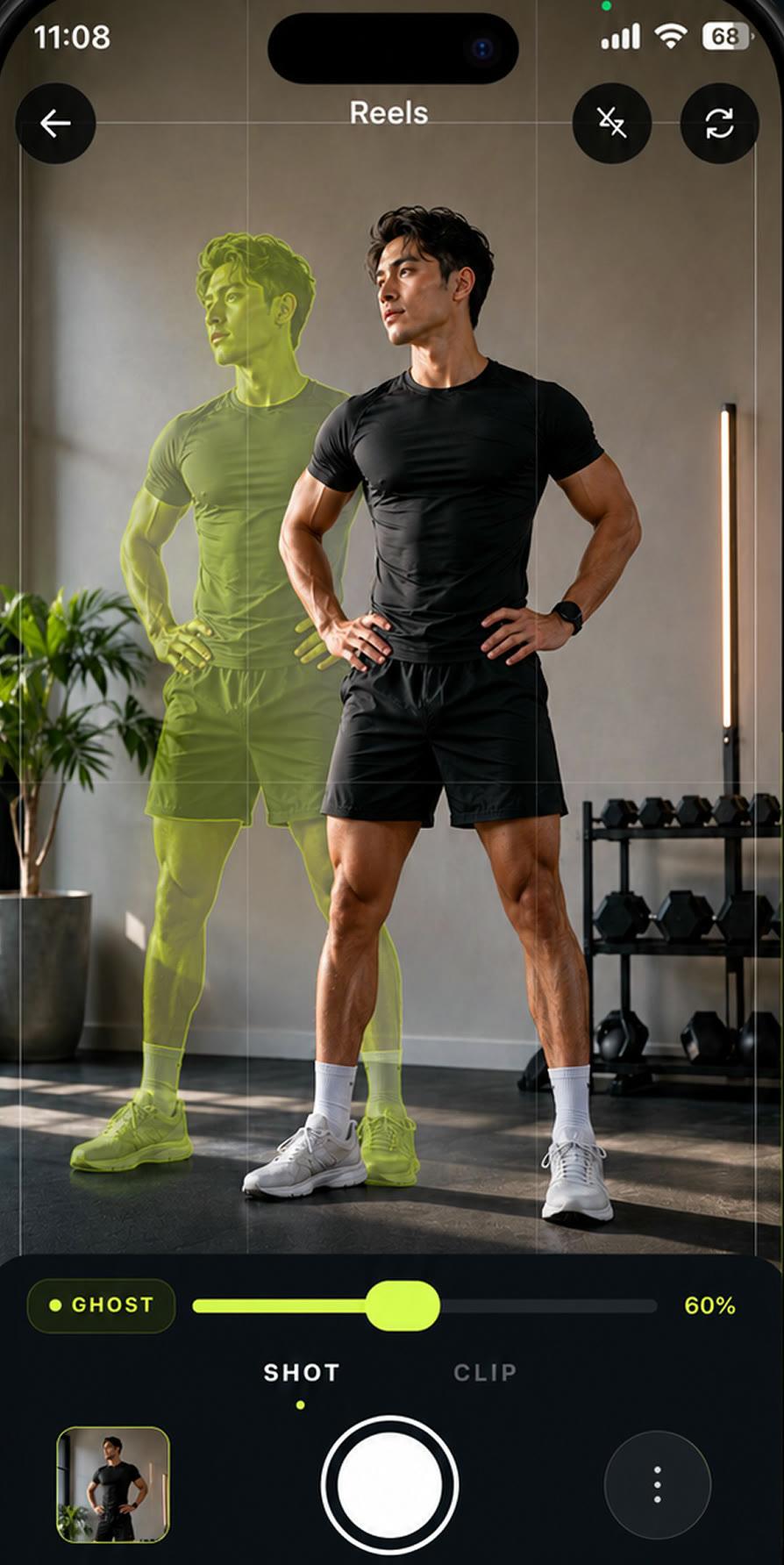
Change is hard to see when the camera moves.
A slightly different angle, distance or light can hide weeks of progress, or invent change that isn't there. Most guides tell you to tape marks on the floor. MatchFrame puts your last shot in the viewfinder instead.
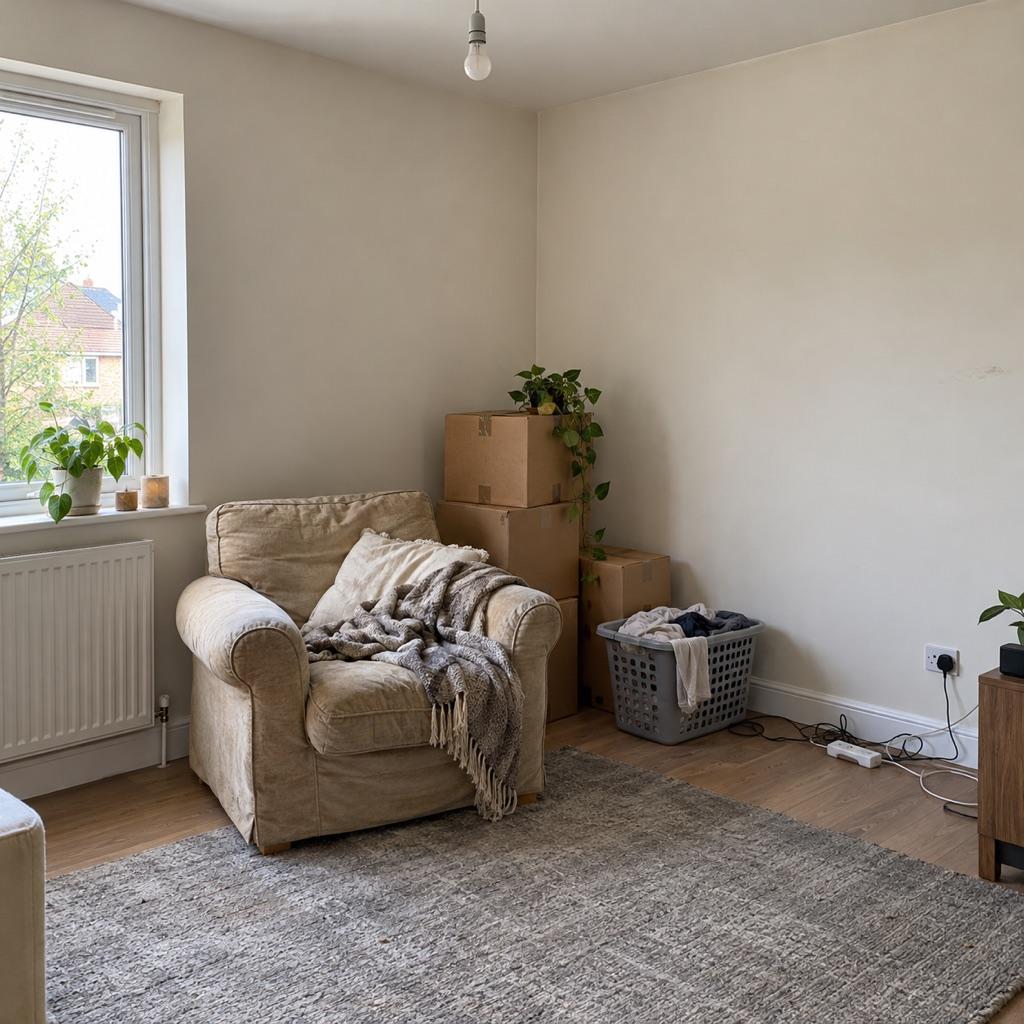
Drag to see what changed
Two shots of the same corner, taken with the ghost overlay. Compare any two captures with a slider or side by side, right in the app.

One camera for anything that changes
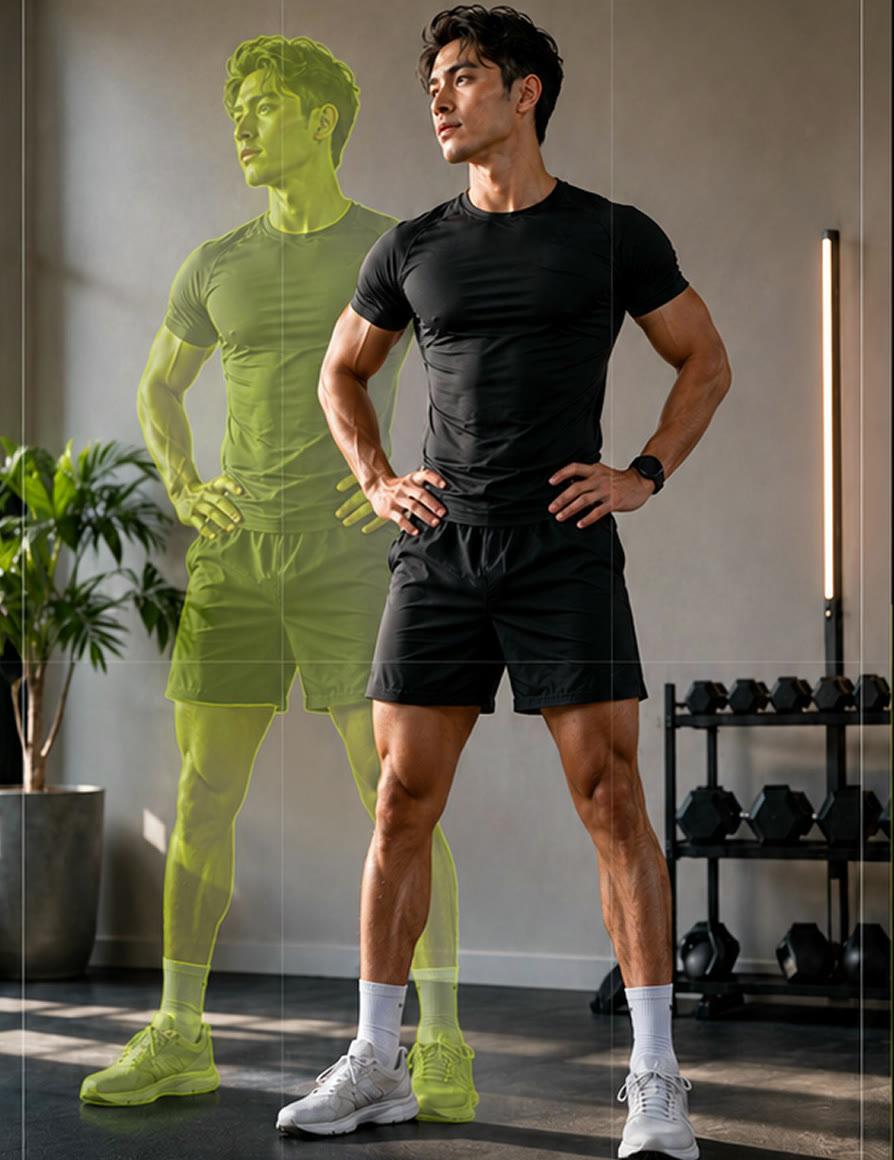
Fitness progress
Weekly front, side and back photos from exactly the same spot.
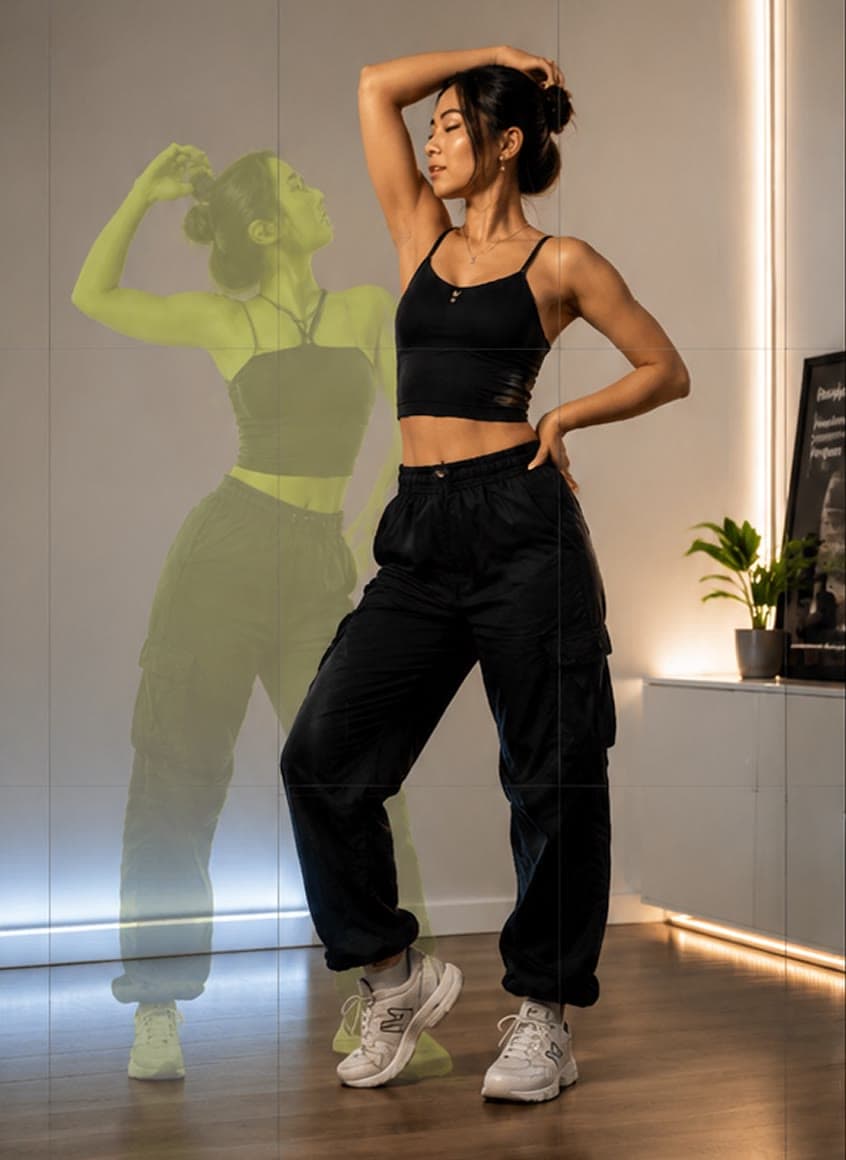
Outfit transitions
Line the second outfit up with the first so the cut lands.
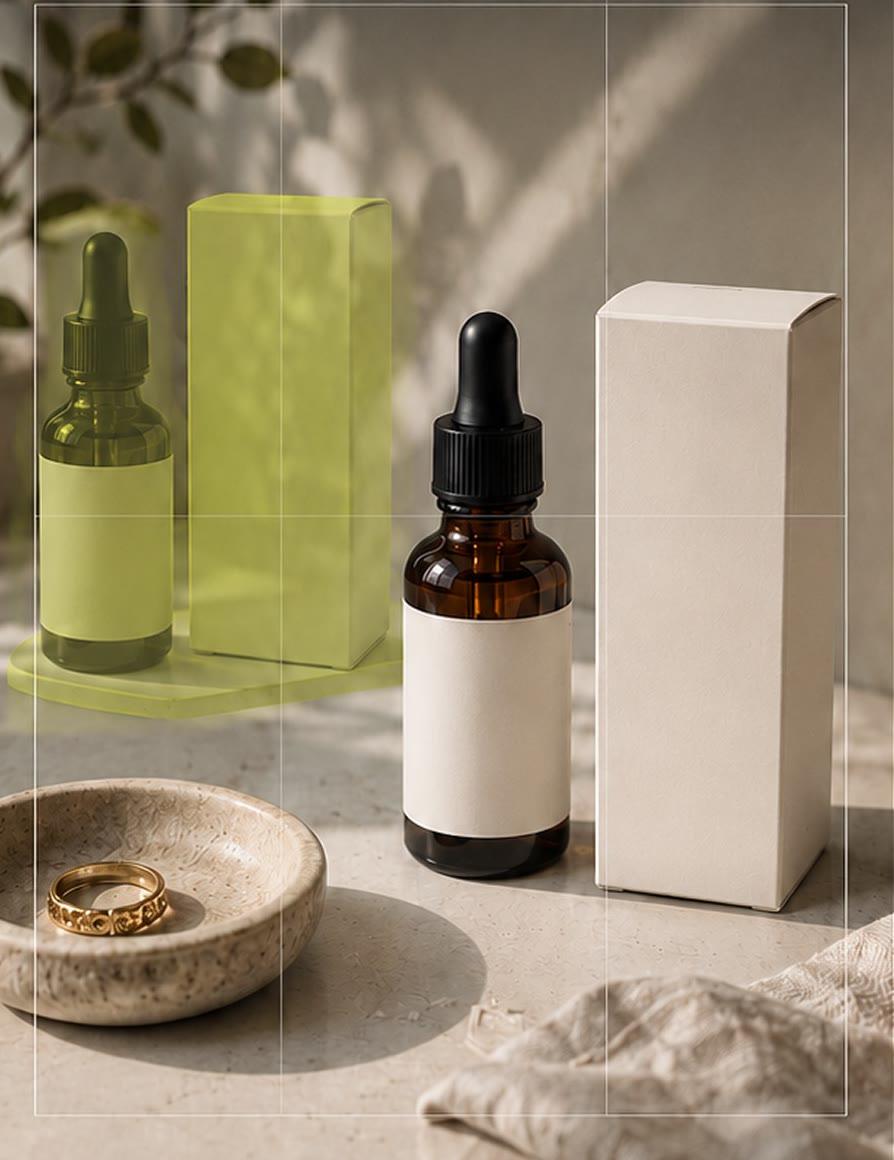
Product photos
Keep the same framing across a catalog or a listing update.
Also used for skincare, hair growth, braces, tattoo healing, room makeovers and plants.
Export a before/after that's ready to post
Pick a format, keep the Before and After labels, and share to Instagram, TikTok or your camera roll. Clips merge into a single before/after video.
Story 9:16
Post 4:5
Square 1:1
Wide 16:9

No account. Your photos and videos stay on your phone.
- Projects and media are stored on your device.
- Optional backup to iCloud on iPhone, or to a file on Android.
- Nothing to sign up for before your first shot.
Free to start
Free
- 3 projects
- 15 shots per project
- 3 exports per project
- Small MatchFrame watermark
- Shows ads
Pro
- Unlimited projects, shots and exports
- No watermark, no ads
- Full HD and 4K export
- Slider, slideshow and GIF exports
- Progress reminders
Pro is a subscription or a one-time lifetime purchase. Prices are shown in the App Store and Google Play.
Compare plansQuestions
What is a ghost overlay camera?
A camera that shows a semi-transparent copy of an earlier photo or clip over the live view. You line the scene up with that copy before you shoot, so the new shot matches the old one's angle, distance and framing.
Is MatchFrame free?
Yes. MatchFrame is free to download on iPhone and Android and includes 3 projects, 15 shots and 3 exports per project. Pro removes the limits and the watermark.
Does it work for videos?
Yes. Switch the camera to Clip to record short videos with the same overlay, then merge clips into a before/after or transition video.
Can I use a photo or video I took before installing the app?
Yes. Pick any photo or clip from your library as the reference and it becomes the ghost for your next shot.
Where are my photos and videos stored?
On your phone. MatchFrame doesn't need an account, and your media stays on the device unless you export it or turn on backup.
Which languages does the app support?
English, Turkish, German, French, Spanish, Portuguese (Brazil), Japanese, Korean and Arabic.
Take your reference shot today.
It becomes the ghost for every shot after it.