
Creators
How to film outfit transitions that land on the cut
Why outfit transitions jump, and a step-by-step way to film them so pose, framing and position match between clips, with or without a tripod.
By Ahmet KütükUpdated 5 min read
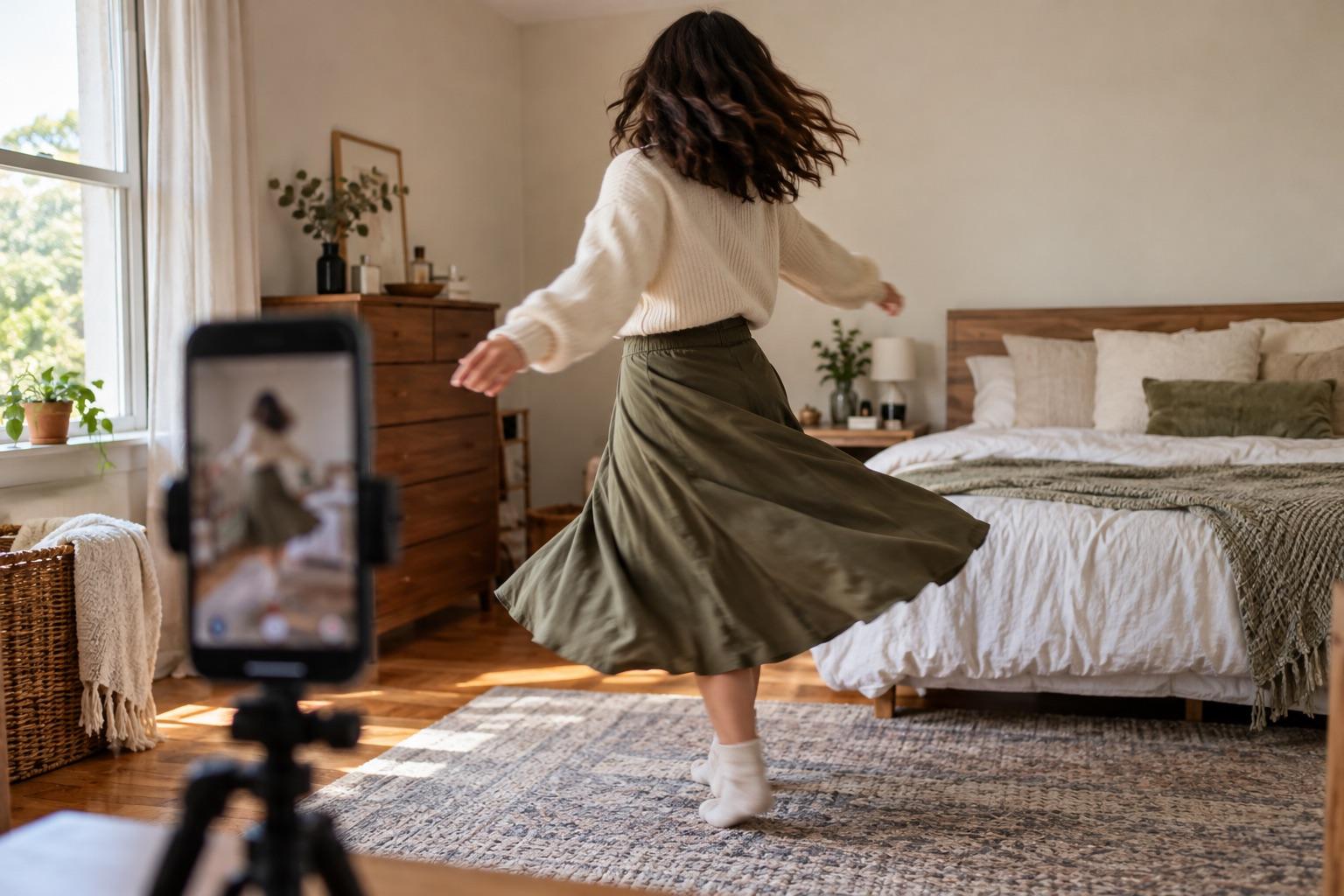
An outfit transition lands when the second clip starts in exactly the same pose, position and framing as the first one ended. Keep the phone fixed, end and start each clip in the same pose, and cut on a movement like a jump, spin or hand over the lens. A ghost overlay of the last clip makes matching the pose fast.
Outfit transitions look easy on TikTok and Reels: one outfit, a snap or a spin, and suddenly a different one. Behind most good ones is a simple rule: everything except the outfit stays exactly the same.
Why most outfit transitions jump
When the cut feels off, it's almost always one of these:
- The phone moved while you changed. Even a few centimetres shifts the whole frame.
- You came back to a different spot, closer or further from the camera.
- The pose didn't match. The first clip ended with your arm up, the second started with it down.
- The light changed. A door opened, the sun came out, a lamp was switched on.
What you need
- A phone stand, shelf or anything that holds the phone still.
- Space to change without bumping the setup.
- A clear transition move (see below).
- Optionally, a camera with a ghost overlay so you can match the previous clip.
Step by step
- Set the frame. Put the phone vertical, at chest height, and frame yourself head to toe with space above your head for the transition move.
- Record the first outfit. Start the clip, walk in or pose, and end on your transition move, holding the final position for a moment.
- Change without touching the phone. If you do bump it, you'll need the overlay to put it back.
- Match the last frame. Step back into the same spot and copy the ending pose. With a ghost overlay, the end of the previous clip sits on the screen as a see-through layer, so you can line up your feet, shoulders and arms before you hit record.
- Record the second outfit, starting with the same move and pose.
- Repeat for as many outfits as you like. Each clip becomes the reference for the next.
- Merge the clips in order and trim each cut to the middle of the motion.
Transition moves that hide the cut
| Move | How it works | Tip |
|---|---|---|
| Jump | Cut at the top of the jump | Land in the same spot |
| Spin | Cut when your back faces the camera | Spin the same direction both times |
| Hand over lens | Cover the lens, cut while it's dark | Move your hand at the same speed |
| Snap or clap | Cut on the sound | Keep your arm in the same position |
| Hair flip | Cut while hair covers your face | Flip to the same side |
| Walk-through | Walk out of frame, walk back in changed | Exit and enter on the same side |
Filming without a tripod
A stand is easier, but the ghost overlay is what keeps the frame consistent. If you hold the phone or lean it on something unstable, line the overlay up with the background (a door frame, a mirror edge, the floor line) before you step into position.
With MatchFrame's video transitions, switch the camera to Clip, record, and the next clip starts with the previous one as the ghost. When you're done, merge the clips into one 9:16 video in the export screen.
Take your reference shot today.
Free on iPhone and Android. No account needed.
Editing tips
- Trim each clip so the cut sits in the middle of the motion, not before or after it.
- Add music in TikTok, Instagram or your editor and put the cuts on the beat.
- Keep each clip short: two or three seconds per outfit is plenty.
- Use the same exposure in every clip. If one looks brighter, that's the light changing, not the edit.
For more formats beyond outfits, see transition video ideas for Reels and TikTok, and for the film technique behind it, what is a match cut.