
Home
Room makeover before and after photos: a matching checklist
Where to stand, which lens to use and how to light a room so renovation and decor before and after photos match exactly.
By Ahmet KütükUpdated 5 min read
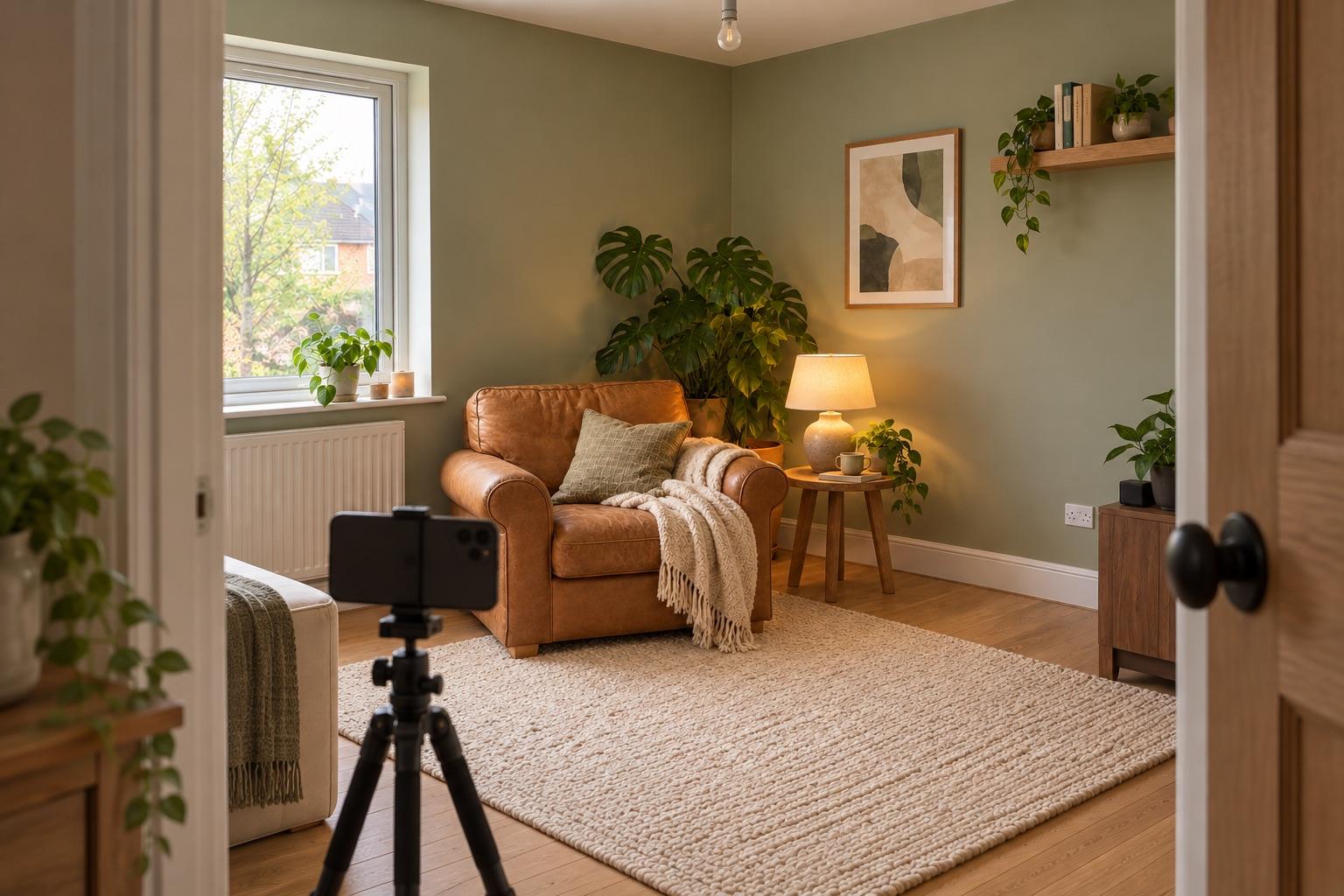
For room makeover before and after photos that match, shoot both from the same corner or doorway, at the same height, with the same lens (don't switch between 0.5× and 1×), at the same time of day and with the same lights on. Include fixed points like a window frame and the floor line, and line them up again for the after photo.
Renovation and decor before and afters are some of the most satisfying posts online, and some of the most often wasted. After a makeover the room looks different, so it's hard to find exactly where you stood, and phone wide lenses exaggerate small differences in position.
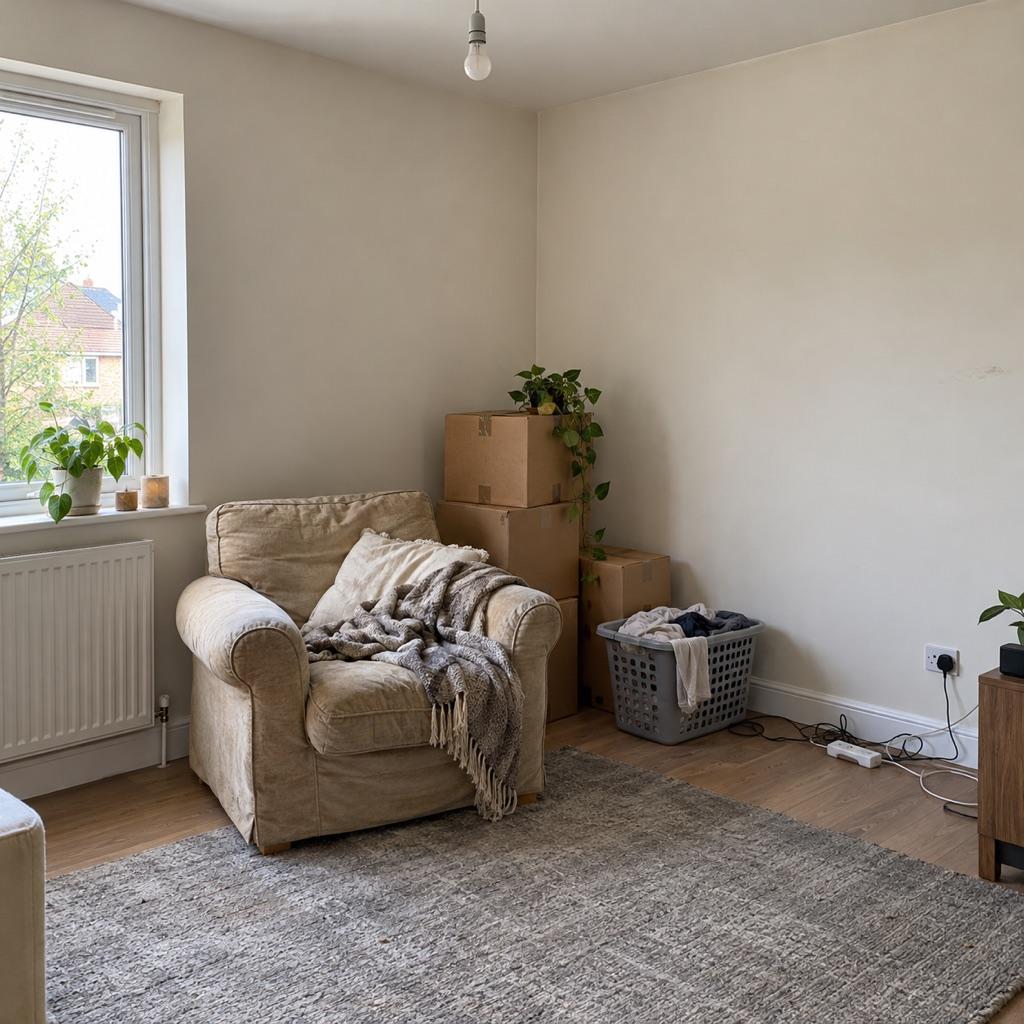
Before you start: shoot the “before” properly
The before photo is the one you can't retake, so give it a minute:
- Pick the angle the after photo should have. Usually a corner or doorway that shows two walls.
- Include fixed points: windows, door frames, the ceiling line, radiators. These don't change during a makeover and are what you'll align with later.
- Hold the phone level and vertical lines straight. Walls that lean in the before photo will lean differently in the after.
- Note the spot: “doorway, phone at shoulder height, 0.5× lens”. Write it down or add it as a note to the capture.
- Take a few angles. You won't know which tells the best story until the work is done.
The checklist for the after photo
| Check | Why |
|---|---|
| Same position | Moving half a step changes how big the room looks |
| Same height | Shooting lower makes ceilings feel higher |
| Same lens | 0.5× and 1× have completely different perspective |
| Same time of day | Daylight direction and color change through the day |
| Same lights on or off | Mixed warm and cold light looks like an edit |
| Same orientation | Vertical before needs a vertical after |
Line it up with a ghost overlay
Remembering your position is the hard part. A ghost overlay puts the before photo on the camera as a see-through layer: you move until the window frame, the door and the floor edges meet their ghost, then shoot.
In MatchFrame, open the project you shot the before photo in, or import an older before photo as the reference, and the ghost is there when you return weeks later. The app also warns you if the time of day is different from the before photo.
Take your reference shot today.
Free on iPhone and Android. No account needed.
Styling the after photo
- Clear temporary clutter: tools, boxes, cables. The before can be messy; that's the point.
- Keep the same doors open or closed as in the before photo.
- Don't over-edit. Brighten both photos the same amount or neither.
How to post it
- Feed: a 4:5 side by side with Before and After labels.
- Reels and Stories: a 9:16 swipe or a slow pan transition from before to after.
- Long renovation: a slideshow through the stages (demolition, work in progress, done).
Not sure which to pick? See which before and after format works best. Already have both photos? The free before and after maker lines them up and exports a JPG or swipe GIF in your browser.