
Before and after layouts for Instagram, TikTok and Stories
MatchFrame exports your aligned shots as a finished before/after: side by side, slideshow, GIF or grid, in Reels 9:16, Post 4:5, Square 1:1 or Wide 16:9. Add Before and After labels, dates or your own caption, then save to your gallery or share to Instagram, TikTok and other apps.
How it works
- 1
Choose the shots
Tap two shots for a before/after, or more for a slideshow, GIF or grid.
- 2
Pick layout and format
Single, side by side, slideshow, GIF or grid; then Reels, Post, Square or Wide.
- 3
Add text and share
Turn on Before/After labels, show dates or day counts, or write your own line. Save or open the share sheet.
Story 9:16
Post 4:5
Square 1:1
Wide 16:9
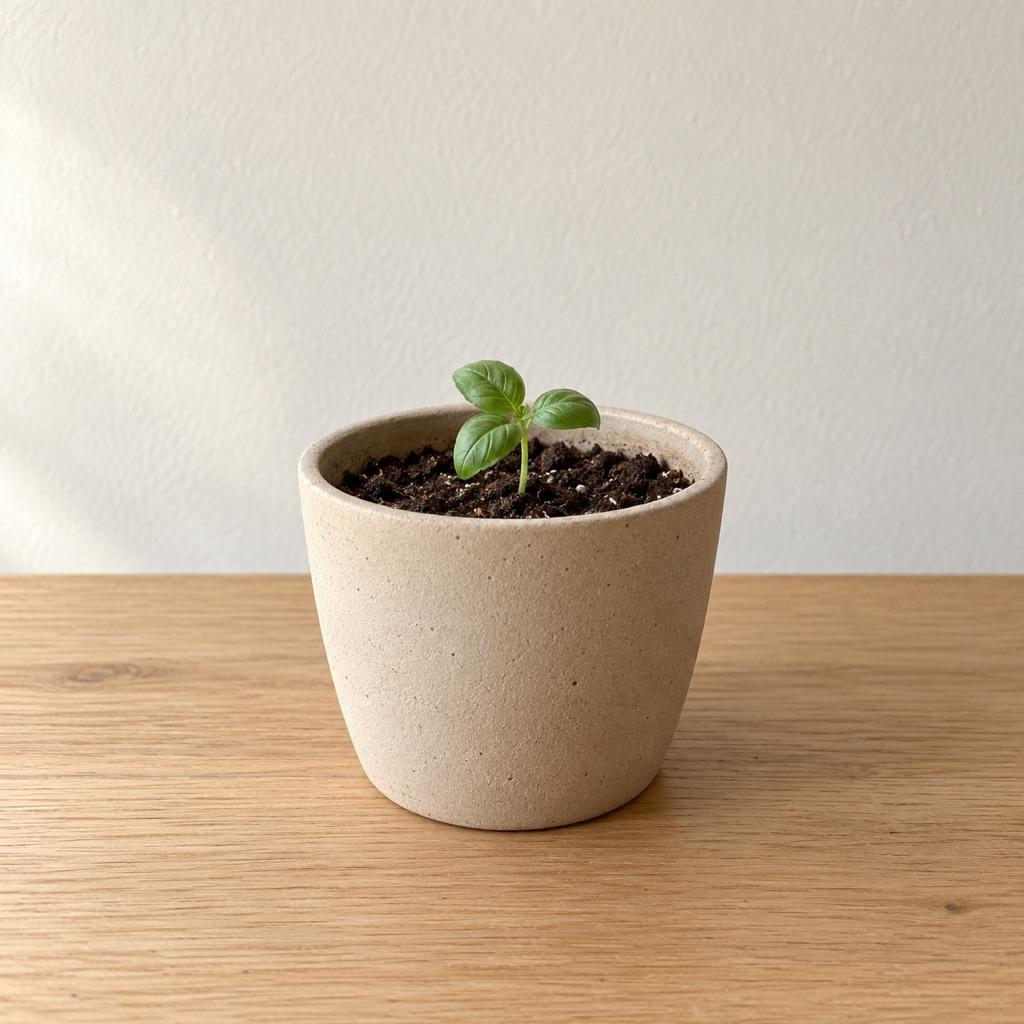
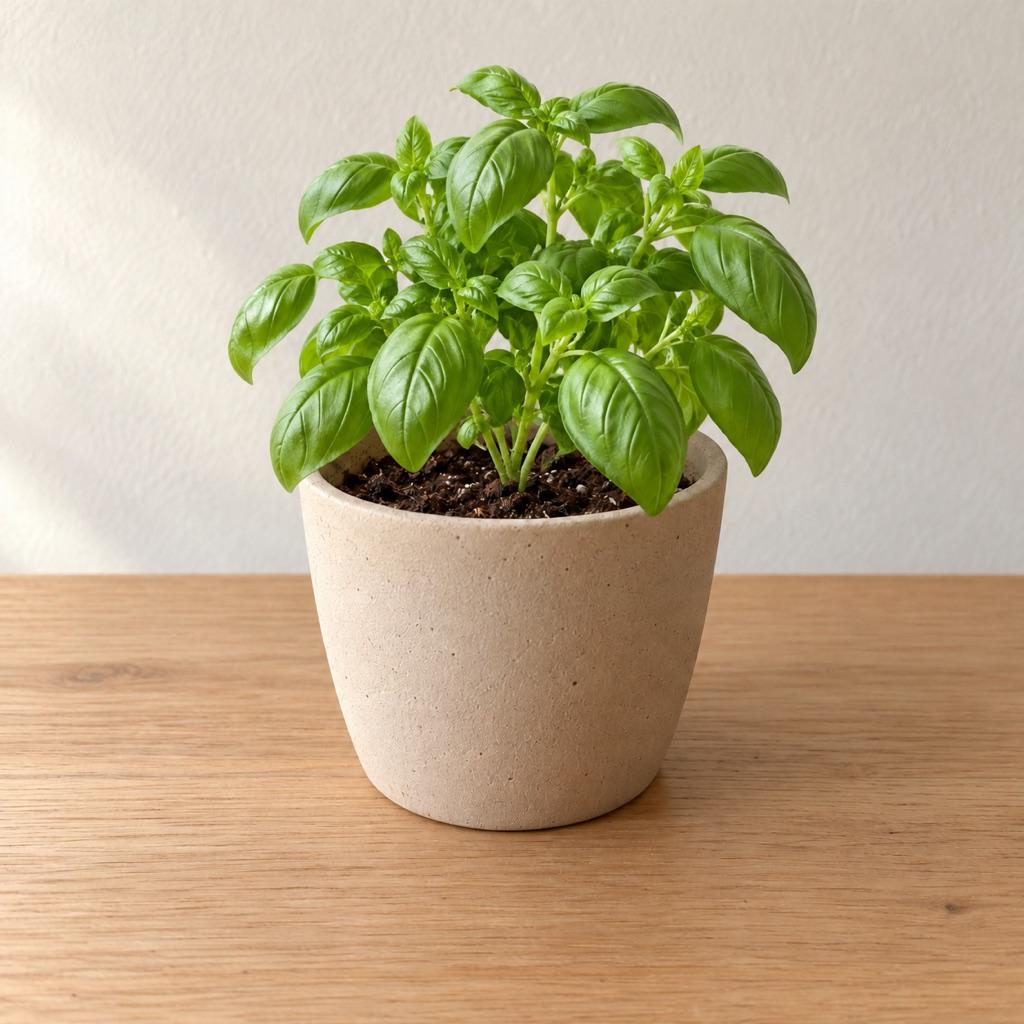
What's included
- Text overlay
- Show the dates, the number of days between shots (“Day 90”), or custom text such as “Week 12”, at the top or bottom.
- Video clips too
- Merge clips into one video, build a split-screen grid, or save a cover frame from a clip as a photo.
- Match to template
- With Pro, every item in a grid or clip is aligned to the reference so the layout is pixel-consistent.
- Quality
- Free exports go up to HD (720p). Pro exports in Full HD, 2K or 4K, capped at the quality of your source.
- Free and Pro layouts
- Single, side by side and grid are free in every format. Slider, slideshow and GIF exports are part of Pro.
- Watermark
- Free exports carry a small “Made with MatchFrame” mark. Pro removes it.
Good for
- Fitness progress photosTake gym and weight-loss progress pictures from the same spot, height and pose every time. Last week's photo as a ghost overlay replaces tape on the floor.
- Room makeover before and afterShoot your renovation, decor or declutter project from the exact same corner. The before photo as a ghost overlay lines up walls, windows and furniture.
- Consistent product photosKeep the same angle, distance and position across a catalog, a listing refresh or a before/after, using a reference shot as a ghost overlay on your phone.
Questions
What size should a before and after be for Instagram?
Use 4:5 (1080×1350) for feed posts and 9:16 (1080×1920) for Reels and Stories. MatchFrame has both as presets.
Can I make a before and after GIF?
Yes, with Pro. Select two or more shots and choose the GIF layout; it loops through them in order.
How many exports do I get for free?
Three exports per project, plus up to two more by watching a short ad. Pro has unlimited exports.
Other features
- Ghost overlay cameraMatchFrame shows your last photo or clip as a ghost on the live camera, so each shot matches its angle, distance and pose. Free on iPhone and Android.
- Before/after compareCompare any two shots in a MatchFrame project with a slider or side by side. They were aligned with the ghost overlay, so the difference you see is real.
- Video transitionsFilm each clip with the last one as a ghost overlay, so outfit changes, room reveals and match cuts land on the same frame. Then merge them in MatchFrame.
Take your reference shot today.
Free on iPhone and Android. No account needed.